

Bruno supports importing both OpenAPI 3.x and Swagger 2.0 specifications.
Prerequisites
Before importing an OpenAPI specification, ensure you have:- A valid OpenAPI 3.x or Swagger 2.0 specification file (YAML or JSON format)
- Or a publicly accessible URL containing the specification
Import Methods
Bruno offers two ways to import OpenAPI specifications:- File Import: Import from a local OpenAPI specification file
- URL Import: Import directly from a publicly accessible OpenAPI specification URL
- Bruno Converter: Programmatically convert an OAS file to a Bruno collection by using our converter ↗.
Importing from a File
- Open Bruno and navigate to your collection
- Click on the context menu (three dots) in the collections panel
- Select Import from the dropdown menu
- Choose OpenAPI option
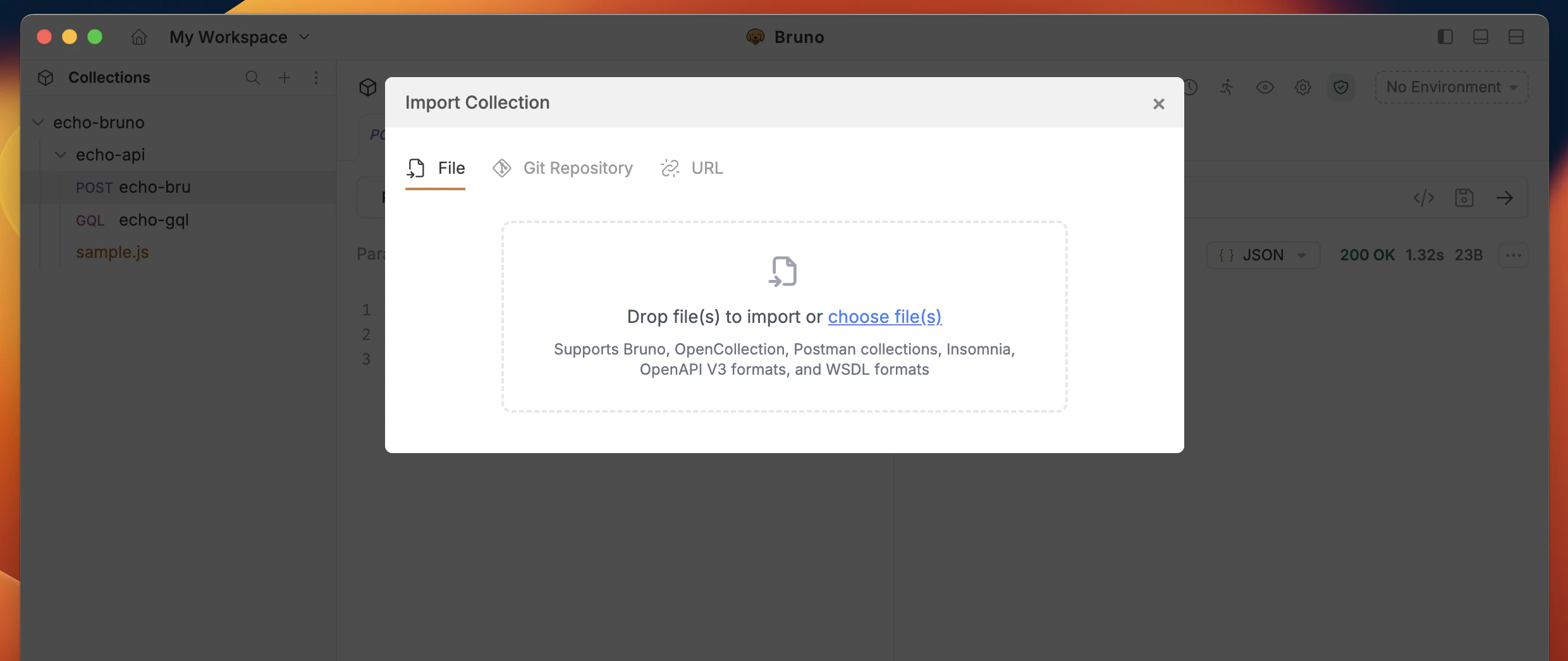
- Browse and select your OpenAPI specification file (
.yamlor.json) - Configure the import settings (see Import Settings below)
- Click Import to create the collection
Importing from a URL
- Select OpenAPI and choose the URL option
- Provide the public URL of the OpenAPI file you’re trying to import
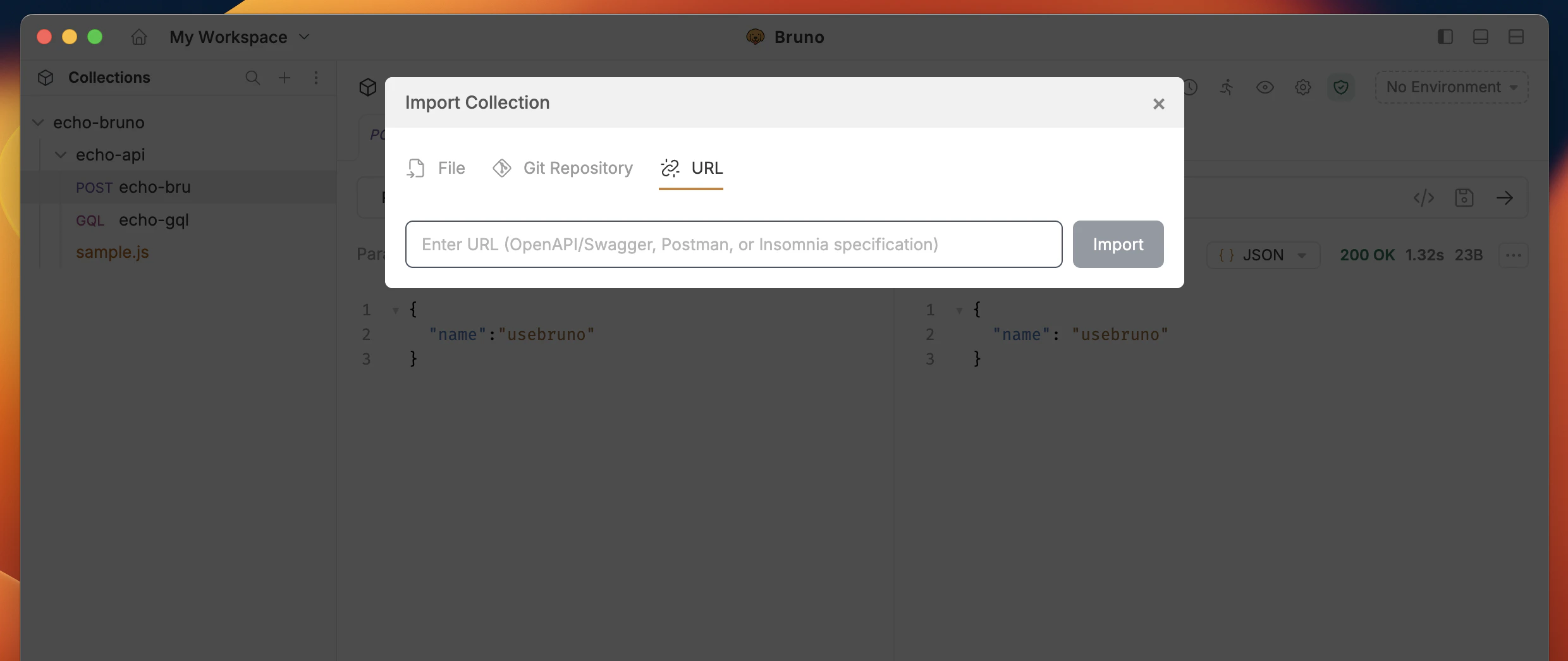
- Configure the import settings (see Import Settings below)
- Click Import to create the collection
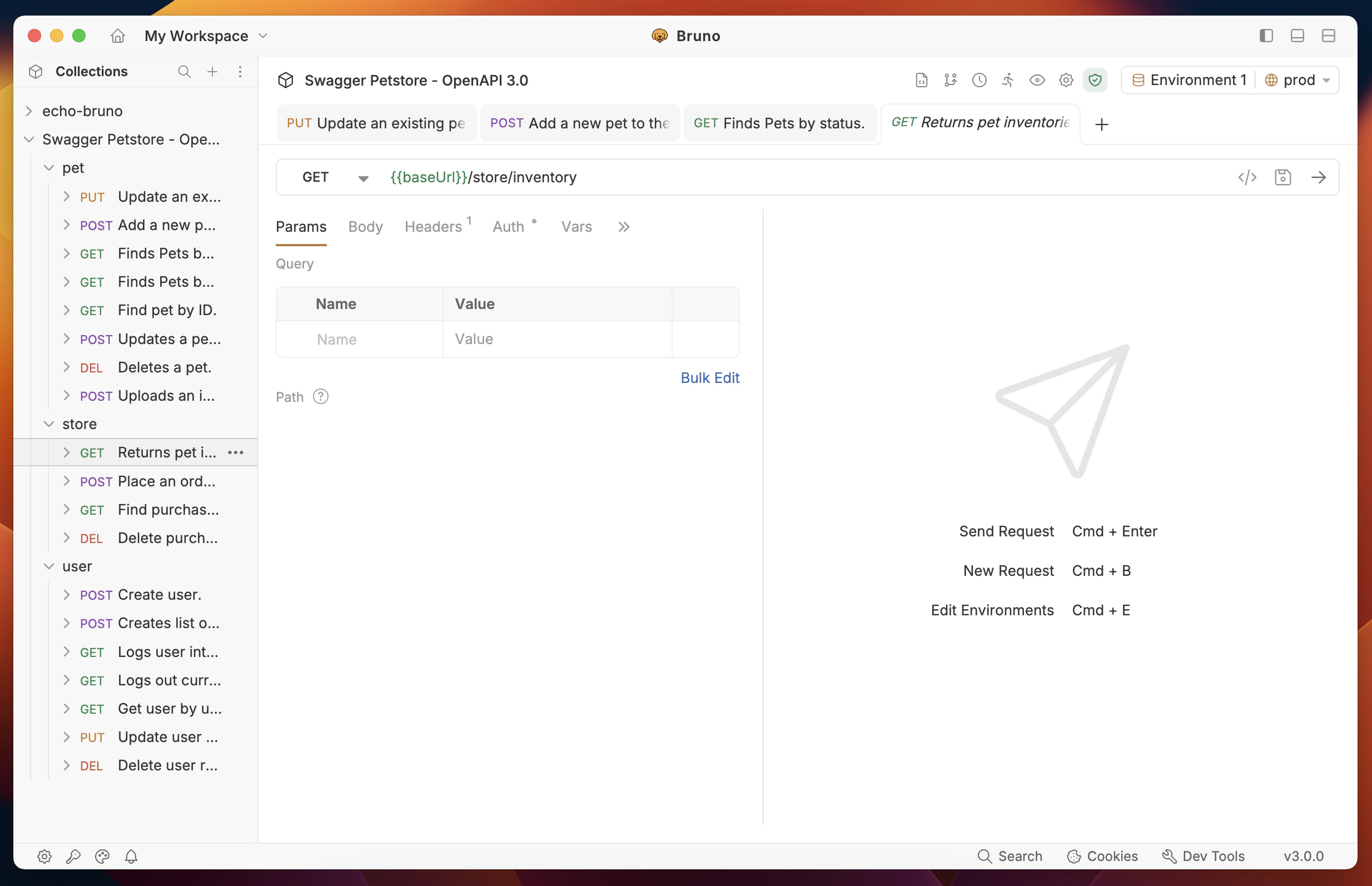
Import Settings
Bruno provides flexible options for organizing your imported OpenAPI collection. You can choose how to group your API endpoints into folders during the import process.Folder Arrangement Options
When importing an OpenAPI specification, you can choose between two folder grouping strategies:Path-Based Grouping
Path-based grouping organizes endpoints into folders based on their URL path structure. This approach mirrors how APIs are typically organized and provides better compatibility with Postman imports. Example:Tag-Based Grouping (default)
Tag-based grouping organizes endpoints into folders based on thetags defined in the OpenAPI specification. This approach groups endpoints by their functional purpose as defined by the API author.
Example:
Tag Name Formatting: BRU format supports alphanumeric characters, hyphens (-), and underscores (_) in tag names. When importing collections with tags containing spaces, Bruno automatically replaces them with underscores. For example,
User Management becomes User_Management. To preserve original tag names, use the OpenCollection (YAML) format instead.Configuring Import Settings
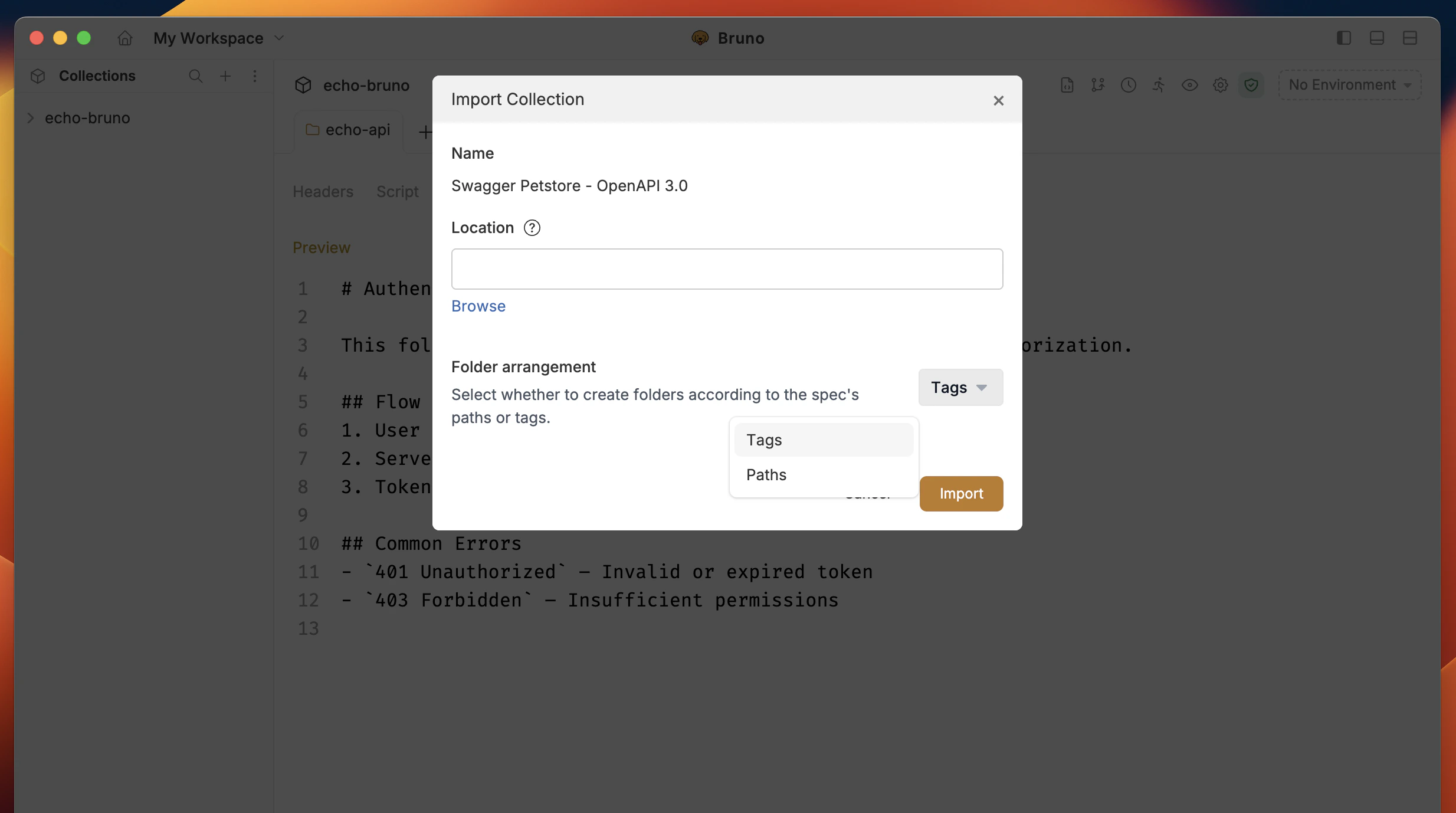
- Select Import Method: Choose either file or URL import
- Choose Folder Arrangement: Select your preferred grouping method from the dropdown:
- Paths: Group by URL path structure
- Tags (default): Group by OpenAPI tags
- Import: Click the import button to create your collection
Swagger 2.0 support
Bruno automatically detects whether your specification is Swagger 2.0 or OpenAPI 3.x and converts it accordingly. The import workflow is the same for both versions — you can use either file or URL import. When importing a Swagger 2.0 spec, Bruno converts the following:- Endpoints — all paths and operations
- Parameters — query, path, header, and form parameters (including enums and collection formats)
- Request bodies — JSON, form data, and file uploads
- Authentication — Basic, API Key, and OAuth2 (authorization code, implicit, password, and client credentials flows)
- Response examples — extracted from the
examplesandschemafields - Folder grouping — both tag-based and path-based grouping are supported
- Server URL — constructed from
host,basePath, andschemes
Example OpenAPI Specifications
You can test the import functionality using these example OpenAPI specifications:- Petstore API (OpenAPI 3.x):
- URL:
https://petstore3.swagger.io/api/v3/openapi.json - Description: A sample API for a pet store
- URL:
- Petstore API (Swagger 2.0):
- URL:
https://petstore.swagger.io/v2/swagger.json - Description: The classic Petstore example in Swagger 2.0 format
- URL: